Seatmap Pro 1.70.0
Layer navigation and global search in the editor, honest decimal prices in the renderer, lighter venue backgrounds, and four changes to check before upgrading.
See how stadiums handle 30k+ seat charts in real time: WebGL rendering, level-of-detail switching, lock-per-click flow, and on-sale traffic resilience.
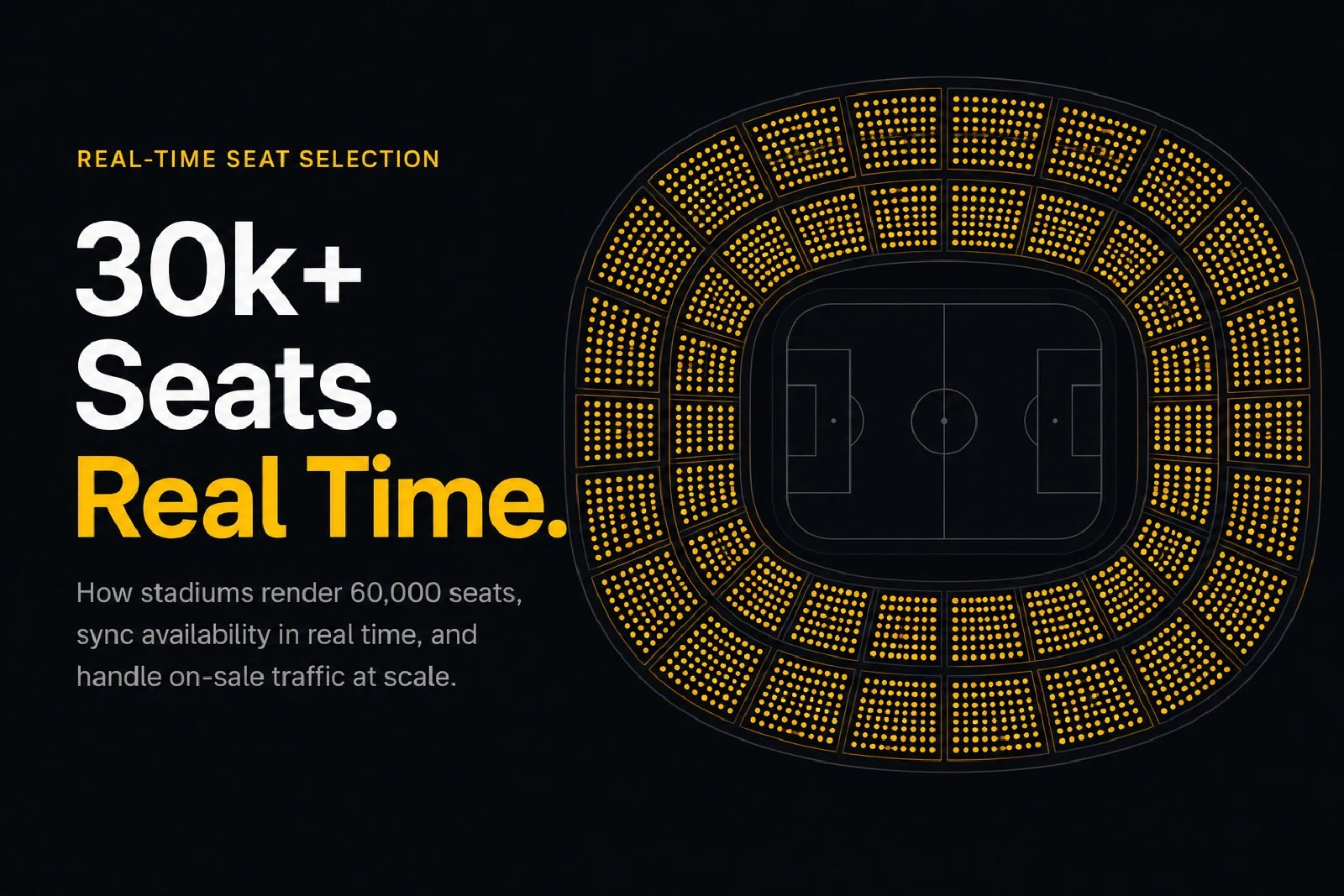
The moment a high-demand on-sale opens, a stadium seating chart has a very short window to prove itself. Fifty thousand buyers hit the page inside a minute. Every one of them zooms into the lower bowl, scans for pairs of seats together, and clicks. Behind every click is a lock call that races against every other buyer looking at the same seat. The chart has to render 60,000 seats, update in real time as inventory changes, and keep working on a mid-range phone on LTE.
This is a different engineering problem from a 500-seat theatre or a 2,000-seat concert hall. Rendering performance dominates. Availability sync becomes a distributed systems problem. Double-booking prevention is the thing that keeps the platform out of consumer-affairs headlines. This post walks through what changes at stadium scale, how a production-grade interactive chart solves each piece, and what Seatmap Pro does specifically for sports venues.
An interactive seat picker built for a theatre will fall over the first time it meets a real stadium. The three things that change everything:
Every architectural decision below is a response to one of these three pressures.
Rendering is where the engineering starts. The two primitives that work at stadium scale are Canvas 2D and WebGL, and the honest tradeoff is that both can do the job if used carefully. We covered the full history of rendering approaches in Seating plans. How do we render?; here the focus is what matters for sports-scale charts.
Canvas 2D comfortably handles up to around 50,000 seats on modern hardware if you are disciplined about partial redraws, avoid per-frame allocation, and use a spatial index (quadtree or uniform grid) for hit-testing. The main limits hit when you want visual polish – drop shadows, gradients on individual seats, smooth anti-aliasing at small sizes – since the CPU is doing every pixel.
WebGL is the better choice past 50,000 seats or when the visual fidelity budget is high. A GPU can push hundreds of thousands of textured quads in a single draw call, which is cheap. The development cost is higher – shaders, context-loss edge cases, GPU buffer management – but the performance ceiling is dramatically above Canvas. Seatmap Pros renderer is WebGL-based for this reason.
Whichever primitive you choose, the non-negotiable techniques at stadium scale are:
Done right, a 60,000-seat chart runs at 60fps on a mid-range Android phone. Done wrong, a 10,000-seat chart stutters on a developer laptop.
Dropping a buyer into a 60,000-seat chart at full zoom is hostile design. Nobody can pick a seat from that view, the seats are subpixel, and the first gesture is always zoom. Worse, a naive renderer will try to draw all 60,000 seats before the buyer can even see the venue.
The production pattern is a section overview at the initial zoom. The buyer sees the bowl as a set of coloured section polygons (lower bowl, upper deck, club level, end zone, corners) with availability counts or price bands. One tap on a section zooms into that section and switches the renderer to seat-level detail. From there the buyer picks individual seats.
This matches how people actually decide in a large venue. They pick a price tier, a location relative to the field or stage, then the specific seats. The section overview does the first two steps in a single glance; the seat-level view does the third.
Two implementation details matter. First, the zoom transition should be animated smoothly so the buyer keeps their spatial orientation between the overview and the detail view – sudden jumps to seat level disorient and drive bouncing. Second, the section polygons should show live availability (either a colour gradient, an availability count, or both) so the buyer knows which sections are worth zooming into before they commit.
When a derby or a playoff game drops, a good chart sees tens of thousands of availability changes per minute. Seats lock, unlock, get sold, come back, all in the same second. The chart has to stay accurate without thrashing.
The two realistic transport choices are server-sent events (SSE) or websockets. Both push deltas from the backend to the renderer. SSE is simpler and more HTTP-cache-friendly; websockets are lower-latency and full-duplex but harder to operate at scale. Either works if the backend coalesces updates into batches so the wire does not get flooded.
On the renderer side, the technique is update coalescing inside the animation frame. When 500 availability updates arrive in the same 16ms window, they are applied to the in-memory state in bulk and then the affected seats redraw once. Naive implementations redraw for every update and the UI stutters visibly during peak load.
The renderer also has to handle the page that has been open for hours. A buyer might open the chart at the beginning of an on-sale, get distracted, and return 30 minutes later. A diff-since-timestamp reconciliation call on focus-return pulls the latest state and reconciles the local view in one operation, rather than leaving the buyer looking at stale inventory.
Seatmap Pro’s Booking API v2 covers the snapshot side: a paged per-event seat listing with each seat’s state, which your backend can poll for changes by sending back the last change time it saw. It does not push updates, and the renderer reads availability when the event loads, so the push channel, the coalescing and the focus-return refresh stay in your platform.
Two buyers click the same seat at the same time. Whose does it become? This is the core anti-double-booking question, and the standard answer is lock-per-click with a short TTL.
When a buyer selects a seat, the frontend calls a lock endpoint on the backend. The backend writes a time-limited reservation row to the database with a conditional write – “insert only if no active lock for this seat”. Two concurrent locks race; the second one fails the conditional and the buyer sees “that seat was just taken” with the chart refreshing to show the new state.
The TTL is the balance point. Too short (under 5 minutes) and honest buyers lose seats while reaching for their phone. Too long (over 30 minutes) and motivated scalpers abuse long holds to lock inventory across events. The industry default is 10 to 15 minutes. Seatmap Pro booking sessions hold seats for 15 minutes by default, an operator setting for the whole deployment, while a standard lock has no timer and stays until your backend releases or sells the seat.
A few operational details matter at stadium scale:
For a longer look at the architecture behind this, the API integration is crucial for ticketing platforms post covers the contract from the integrator side.
Sports ticket sales are mobile-first in almost every market. An on-sale that works on desktop but stutters on iPhone 12 Pro or Pixel 6a loses more revenue than most operators believe – the buyer drops out and buys something else or gives up.
The mobile-specific work breaks down into performance and gestures.
Performance on mid-range devices. A 60,000-seat chart has to initialise in under a second on 4G. That means lazy-loading section detail (only fetch seats for sections the buyer zooms into), compressing the venue schema (gzip or Brotli is not enough; a binary format like FlatBuffers shaves another 30-50 percent), and deferring non-critical render passes until after the first interactive paint. Device pixel ratio handling matters – drawing at 3x on a Retina display is three times the fillrate, and fillrate is usually the mobile bottleneck.
Gestures. Pinch-zoom, drag-pan, double-tap-to-zoom, and tap-to-select all have to feel native. The common mistakes are fighting the browsers default double-tap-zoom (disable it explicitly with touch-action), not passing the composite gesture through the renderer correctly (a pinch that also slightly pans should only pinch, not scroll the page), and not handling multi-touch correctly during simultaneous zoom and select actions.
The Top 5 mistakes in mobile app design in seating charts post covers the most common traps in detail.
Sports venues have more held inventory than any other vertical. A typical breakdown for a major stadium:
Modelling this on a single flat schema is a mess. The clean pattern is one venue schema (the physical seats) and many events (games), with inventory rules applied per event. A season ticket holder’s seat is held at every game automatically. When they release a specific game, the seat flips to available for that event only.
Seatmap Pros Events Hub is designed around this pattern. Venue schemas are reusable assets; events are lightweight; inventory modifications (holds, releases, rollovers) happen at the event level. For a promoter or club running 40 home games a season, this is the difference between two days of inventory setup per game and two minutes.
For the broader case of stadiums running multiple configurations – football vs rugby, concerts vs matches – the Integrating multi-venue management into your ticketing system post walks through the schema-per-configuration pattern.
A derby on-sale is a different kind of load than steady-state traffic. The peak-to-average ratio can be 1000x in the first minute. A platform that is fine at 500 requests per second can topple at 500,000.
The parts that need scaling are the backend APIs (lock, unlock, availability), the availability broadcast pipeline, and sometimes the origin serving the venue schema. The renderer itself is a static asset served from a CDN and scales linearly.
The highest-leverage patterns:
For ticketing platforms integrating Seatmap Pro into their own stack, the Booking API v2 exposes lock and availability endpoints that can be front-ended by the platform’s own queue and rate-limit layer. Seatmap Pros hosted stack handles the queuing internally for customers using the turn-key iframe embed.
Seatmap Pro ships stadium-scale features as the default, not as add-ons. The WebGL renderer handles 100,000-seat venues at 60fps on mid-range phones. Section overview with level-of-detail switching and animated zoom transitions are part of the base behaviour. The Booking API v2 provides lock-per-click, booking sessions that hold a buyer’s seats for fifteen minutes by default, multi-region deployment, and the held-inventory model needed for season tickets and broadcaster allocations. Accessible seats carry their own flag and renderer style, while keyboard and screen-reader support belongs to the booking page around the chart. Mobile gesture handling is tuned against iOS Safari and Android Chrome on current and three-year-old devices.
To see the renderer running against a stadium close to yours, request a demo and we will pick a sample arena or stadium and walk through the overview-to-seat zoom, seat availability, and lock-per-click flow. For the developer side, How to build a JavaScript seating chart for your website covers integration code and the Renderer Playground lets you poke at the real renderer against real venues.
For the commercial picture on fill-the-house, dynamic pricing, and on-sale conversion, Transforming empty seats into revenue and 8 ways to scale your venue revenue cover the revenue strategies that have been proven on real sports deployments.
Layer navigation and global search in the editor, honest decimal prices in the renderer, lighter venue backgrounds, and four changes to check before upgrading.
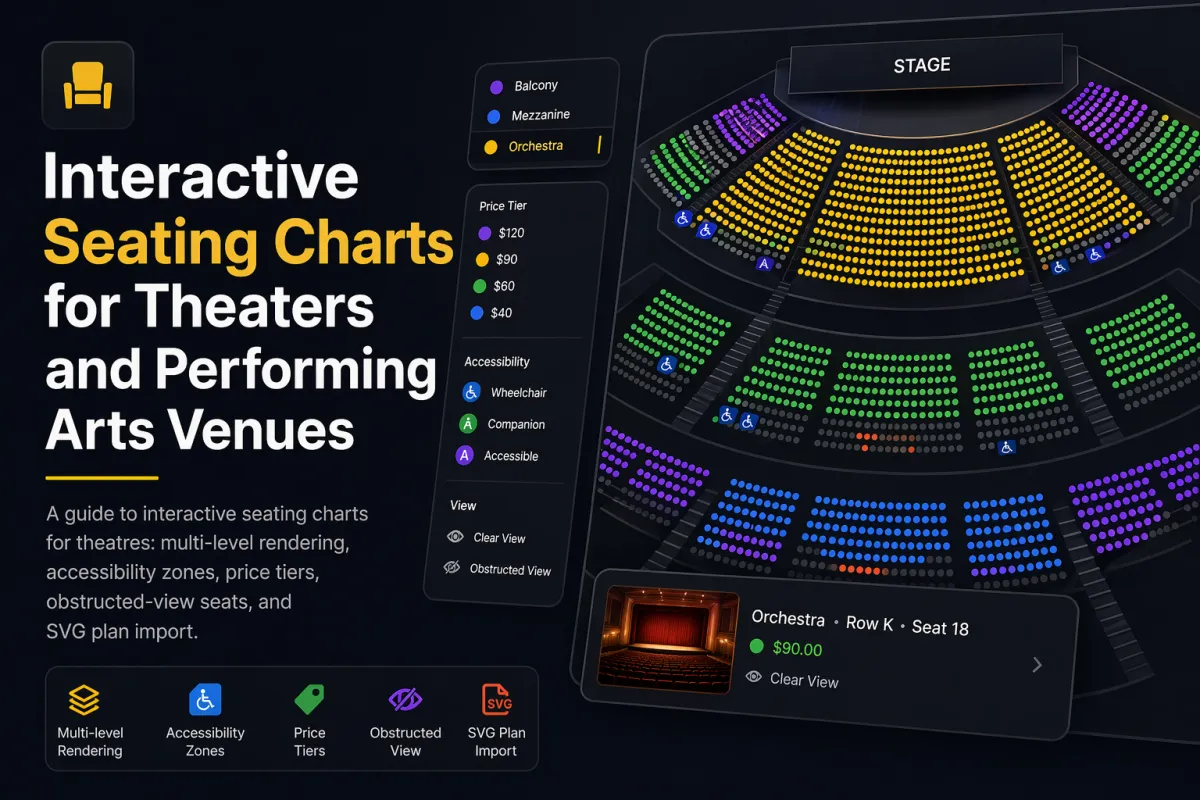
A guide to interactive seating charts for theatres: multi-level rendering, accessibility zones, price tiers, obstructed-view seats, and SVG plan import.
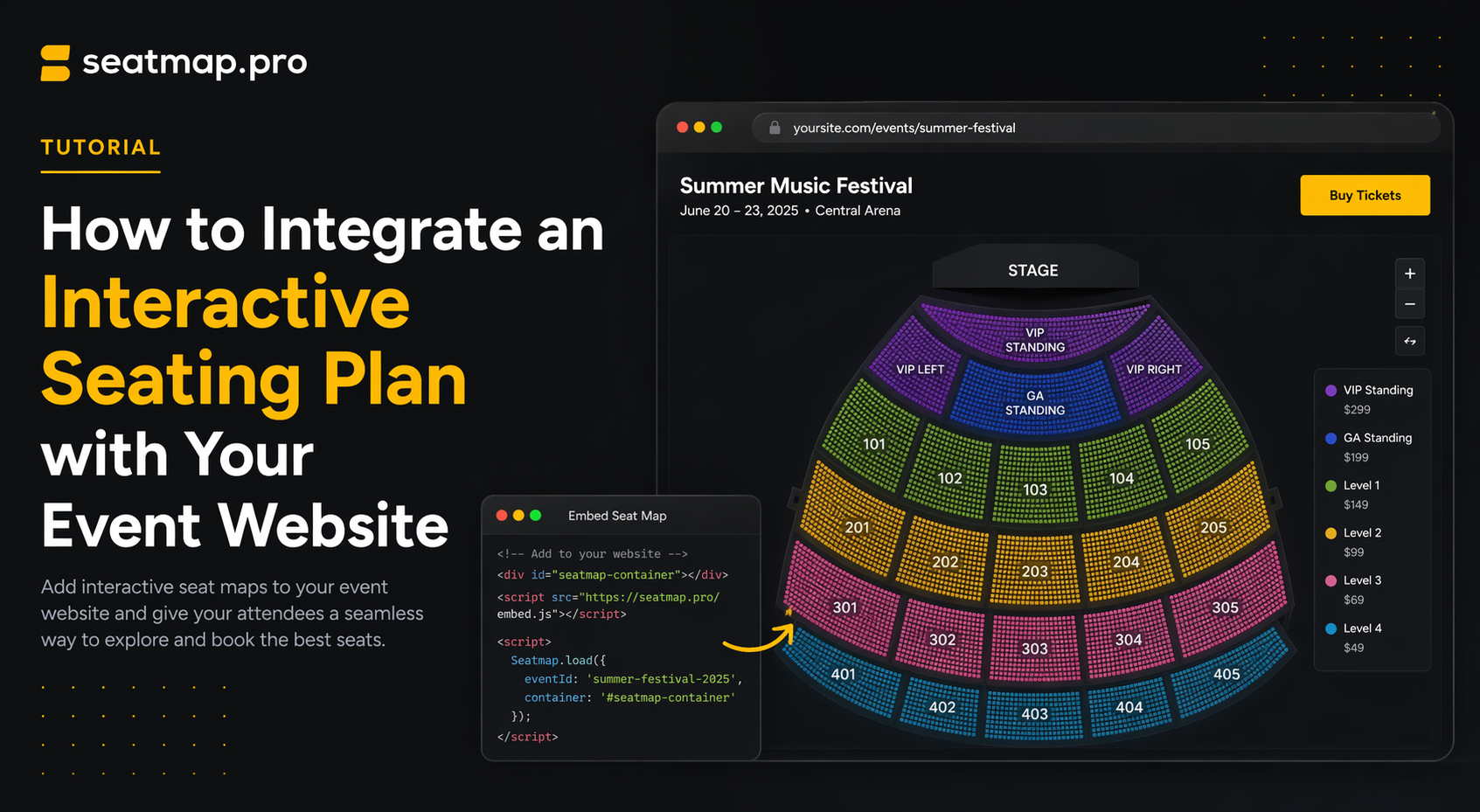
A non-technical guide to adding an interactive seating plan to your event website -- iframe vs SDK, what your dev team needs, timeline, and vendor questions.