SVG for Seating Charts: A Practical Guide for Developers
A developer guide to SVG for seating charts: viewBox and coordinates, Illustrator and Figma export gotchas, path simplification, and when to rasterize.
Publish one canonical venue schema and pull it into every partner instance: local Venues Library and HTTP federation, snapshot semantics, instance-key auth.
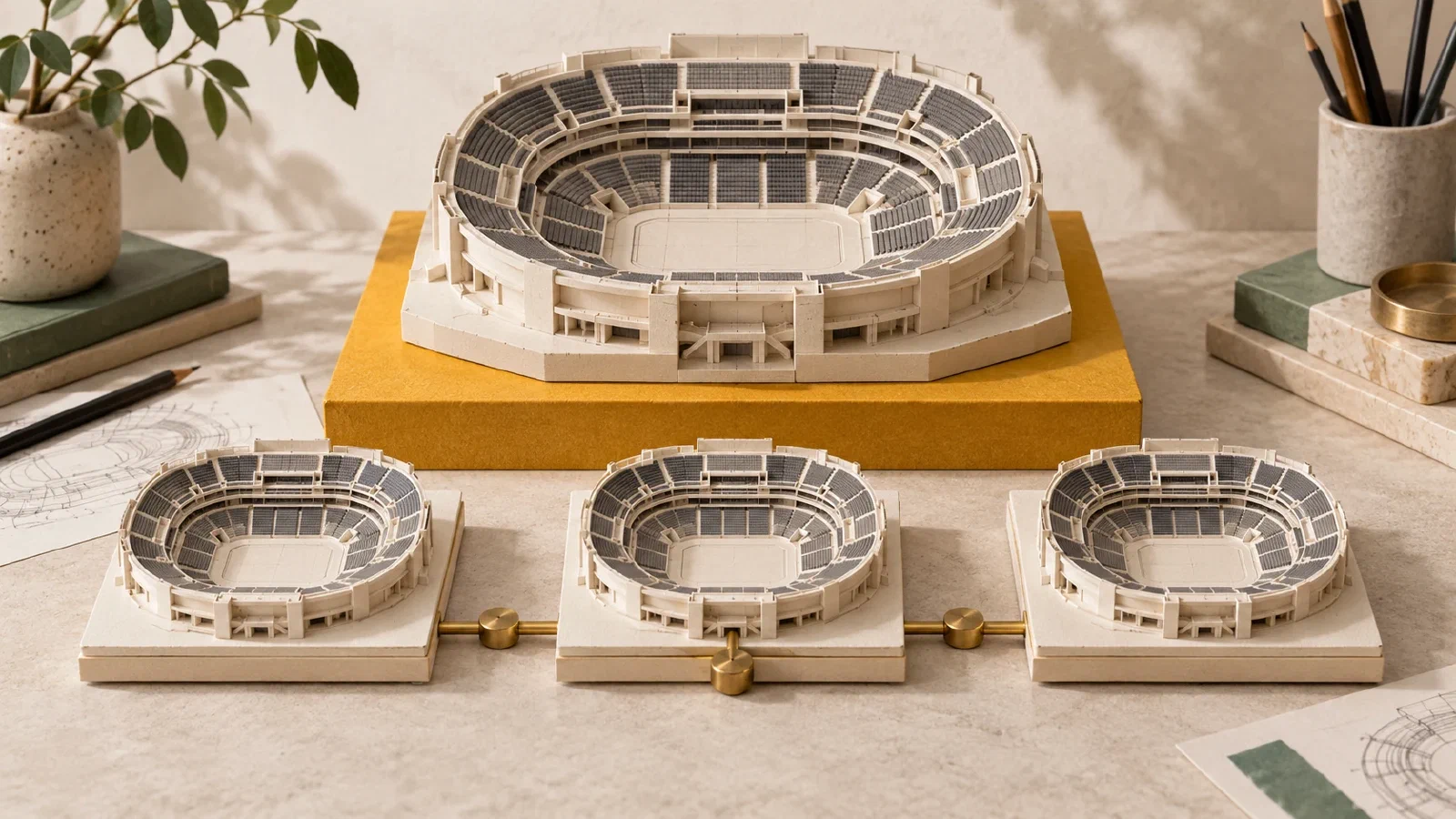
A promoter running a touring show through three venue-owned ticketing systems has been solving the same problem for a decade: the map is one thing, the tickets are three things. Everyone in the chain redraws the venue. Nobody agrees on section names. Section outlines shift by three metres between two supposedly identical copies. When the show comes back next year, the whole exercise repeats.
Seatmap Pro 1.65 introduces the Venues Library: one canonical schema, published once, copied everywhere. Two transport paths for the same primitive (local for organizations sharing an instance, HTTP federation for organizations on their own self-hosted instance) and the same snapshot semantics for both. This post walks through how it works, what it deliberately does not do, and the workflow it changes for promoters and venue operators.
The drawing travels; the commercial state does not.
The Venues Library moves the venue schema (geometry, sections, seats, backgrounds) as a frozen snapshot from one organization to another. It leaves pricing, events, bookings, and seat-state entirely with the consumer. That split is the whole design.
Before the Venues Library shipped, a promoter running the same show at three venues faced one of two workflows.
Option 1: draw the venue three times. Each venue-owned ticketing instance built its own map. The three maps disagreed on section names, seat counts, and orchestra-versus-balcony boundaries. Reconciling reports across venues was a manual exercise. When the show returned, three teams rebuilt three maps.
Option 2: share raw exports. The promoter maintained a canonical export (usually an SVG or a JSON dump) and mailed it around. Each venue operator imported it manually, applied their own pricing, and hoped no one had edited the file in the meantime. Version drift was inevitable within two tours.
Neither approach scaled. The Venues Library replaces both with a first-class primitive.
Inside a single Seatmap Pro instance (the cloud, or any self-hosted deployment), the library exposes two roles: publisher and consumer.
Publisher organizations opt into the library. A global admin flags an org as a publisher. Users in that org see a per-venue “Add to Library” toggle in the editor. Flipping it marks the venue as listed; unflipping it removes it. That is the entire publisher UI: a boolean per venue, gated by an org-level flag.
Consumer organizations browse. Any org can open the Venues Library modal, see the listed venues in a reverse-chronological grid, preview a thumbnail, and click Copy. The copy lands in the consumer’s own org as an independent venue with a fresh id. From that moment forward, the copy is theirs to edit; it never re-syncs from the source.
The mechanics under the hood: one step serialises the publisher’s venue into a versioned snapshot, and a second step deserialises it into the consumer’s org. Both operations run on the same database. The snapshot format is versioned from day one (version: 1 today, room to grow), so future schema evolution does not break existing copies.
For self-hosted deployments, the same primitive runs over HTTPS instead of over the local database.
A consumer instance is configured with a source URL and a static instance API key. When users on the consumer browse the library, the consumer instance fetches the source’s listed venues, merges the federated entries with any local-library entries, and shows them in the same grid. When a user clicks Copy on a federated venue, the consumer fetches the full snapshot (including asset blobs) from the source over HTTPS, hydrates it into the consumer’s database, and records provenance.
Three things are worth calling out about that flow:
The design is generic and any Seatmap Pro instance can be a source, a consumer, or both.
The single most important design decision, and the one that makes everything else simpler:
Copies are independent from the source. No parent link, no sync, no update push. Once the consumer has hydrated a snapshot, they own it outright. If the publisher edits the source venue, existing copies do not change. If the publisher deletes the source venue, existing copies survive. If the consumer wants a fresh snapshot, they copy again, which creates a new, separate venue on their side.
This is a deliberate reversal of the assumption most integration primitives make. The alternative, parent-child links with propagating updates, sounds attractive until you have to answer questions like: what happens when the consumer edits a linked seat? What happens when the source archives a section that has active bookings on the consumer? What happens when the two versions diverge? Every one of those questions has a horrible answer.
Independence sidesteps them entirely. The consumer’s copy is theirs, forever. The publisher’s source is theirs, forever. If they need to reconverge, someone deletes the old copy and pulls a fresh one. That is the whole conflict-resolution model.
The rule was in the one-sentence summary: the drawing travels, the commercial state does not.
Included in a snapshot:
Excluded from a snapshot:
The exclusions are the interesting list. Pricing is deliberately not shared because pricing is where the consumer’s business lives: a promoter selling into three venues at three different price points is exactly the workflow the library enables. Events and bookings are not shared because they belong to whoever is selling the tickets. Seat-state is not shared because it changes second by second. Webhooks are not shared because they are consumer-configured. Section binding is not shared because it is a schema-level detail that the consumer may want to redo against their own underlay.
The rule of thumb: if the value of a field depends on which organization owns the tickets, the field stays home.
Every hydrated venue records where it came from. The consumer’s copy carries:
That trail follows the schema for the lifetime of the copy. It is useful for support (a consumer asks “why does this venue look wrong?” and a global admin can see the source), for audit (“who copied what from whom”), and for the consumer’s own record-keeping.
On the source side, every pull is logged: which federation instance made the request, which venue was fetched, whether the request succeeded, and the timestamp. That log is the source operator’s audit trail: any question about “who is copying our venues” is answerable in one SQL query.
The scenario the feature was designed for.
A concert promoter runs a three-city tour. Each city has its own venue with its own ticketing platform: two are venue-owned instances of Seatmap Pro (one cloud, one self-hosted), and the third is the promoter’s own instance on seatmap.pro.
Before the tour:
Each venue operator, before their date:
During the on-sale:
Each venue’s ticketing platform runs the on-sale independently. Their pricing, their bookings, their seat-state. The three on-sales happen without coordinating anything except the shared drawing.
After the tour:
Nobody has to reconcile three different maps. The reporting question “how did section A do across the tour” is a straightforward query joining three sets of bookings against three copies of the same geometry.
To keep the design honest, a few things the library deliberately does not do.
Each of these is a real product decision, not an oversight. If any of them starts to bind on real workflows, we will revisit.
A developer guide to SVG for seating charts: viewBox and coordinates, Illustrator and Figma export gotchas, path simplification, and when to rasterize.
Hold a buyer's seats in a server-side session that survives a reload and cannot be double-booked, queue conversions on the GPU, and retire PDF export.
On-premise vs cloud seating chart software: when data residency, air-gapped networks, or existing k8s tips the choice, and a three-year TCO comparison.