Event Seating Chart Software: What to Look For in 2026
A 2026 buyer guide for event seating chart software: rendering, API surface, deployment, data residency, and pricing that survives a busy on-sale.
Section photos delivered to your ticketing site, prices and availability loaded separately, faster background conversion, and a lighter renderer.
If you only read one paragraph: sections can carry photos now, and the renderer hands them to your page to display however you like. The renderer stops refetching pricing that has not changed. Backgrounds convert several times faster, and the renderer transfers 43 percent less. If you self-host, the last section lists what to check before you upgrade.
A section can now hold up to ten photos — the view from the seats, the entrance, the bar it sits next to. You attach them in the editor, on seated and general admission sections alike, give each an optional caption, and drag them into the order you want. Uploads are stored as optimized webp with a thumbnail variant.
The renderer does not draw them. It hands them to your page on ISection.photos, in onSectionClick, onSectorClick and onSectionsSelectionChange, so the gallery is yours to design:
const renderer = new SeatmapBookingRenderer(container, {
  publicKey: 'YOUR_PUBLIC_API_KEY',
  onSectionClick: (section) => {
    section.photos?.forEach((photo) => {
      gallery.add(photo.thumbUrl ?? photo.url, photo.caption);
    });
  },
});
Photos belong to the schema rather than to an event, so a section shows the same photos across every event on that venue, and they survive a save, a reload and a pull from the venue library. Sections without photos change nothing in the payload you already handle.
One endpoint used to answer two questions: what each seat costs, and which seats are still free. Those change at completely different rates. A single seat going on hold meant rebuilding the whole response, and none of it could be reused.
The renderer now reads them apart, over a pair of endpoints reserved for it. What each seat costs is revalidated rather than re-sent, and a price edited in the editor applies to the very next load rather than when a timer runs out. What is no longer for sale stays small and is read fresh every time. On a large venue a repeat load costs a fraction of what the single response did.
Those two are between the renderer and the service, and their shape follows the renderer. GET /api/public/v1.0/event/prices/ is untouched and remains the way to read prices and availability yourself. An up-to-date renderer falls back to it on its own, so it keeps working against an older backend.
Two new endpoints landed alongside it. You can price a whole section, row or GA area in one call instead of one call per seat — send object ids and the server works out what each one is, so a section of several thousand seats is a single request. And a new per-seat endpoint returns one flat record per seat with its row, section, state and price, paginated and filterable, with a lastUpdated parameter so you can poll for changes instead of re-reading the venue.
A large floor plan that took over two and a half minutes now finishes in well under one, and faster again where the converter has a GPU. Uploading artwork for a new venue and regenerating it after an edit both feel it.
Separately, the booking renderer now ships 238,522 bytes compressed, down from 417,874 — 43 percent less over the wire. Nothing about the API or the embed snippet changed; your pages simply transfer less.
Self-hosted deployments have four things to look at, and none of them require a code change.
Two migrations run at startup. One backfills section coordinates. The other adds an index to the seat state table, created concurrently so the table stays readable and writable — but it takes longer on a large installation, so give it room.
The editor and booking services must share one Redis instance, or a price changed in the editor will not refresh what the booking endpoints serve. The charts already deploy a single Redis, so this only matters if you split them deliberately.
Section photos live in object storage, so configure your S3 settings before turning the feature on.
If your Google API key is referrer-restricted — as it should be on a public site — set secrets.google.serverApiKey as well. Address search runs server to server, and a server-to-server call carries no referrer, so a referrer-restricted key is rejected. Leave it empty and the existing key is used, which is the right answer when that key is unrestricted.
The converter image moved to a Debian base, and GPU rasterization is available behind converter.gpu.enabled. Leave it off unless the node exposes a GPU through a device plugin.
The Helm deployment guide lists both new values. The full detail is in the release notes.
A 2026 buyer guide for event seating chart software: rendering, API surface, deployment, data residency, and pricing that survives a busy on-sale.
Layer navigation and global search in the editor, honest decimal prices in the renderer, lighter venue backgrounds, and four changes to check before upgrading.
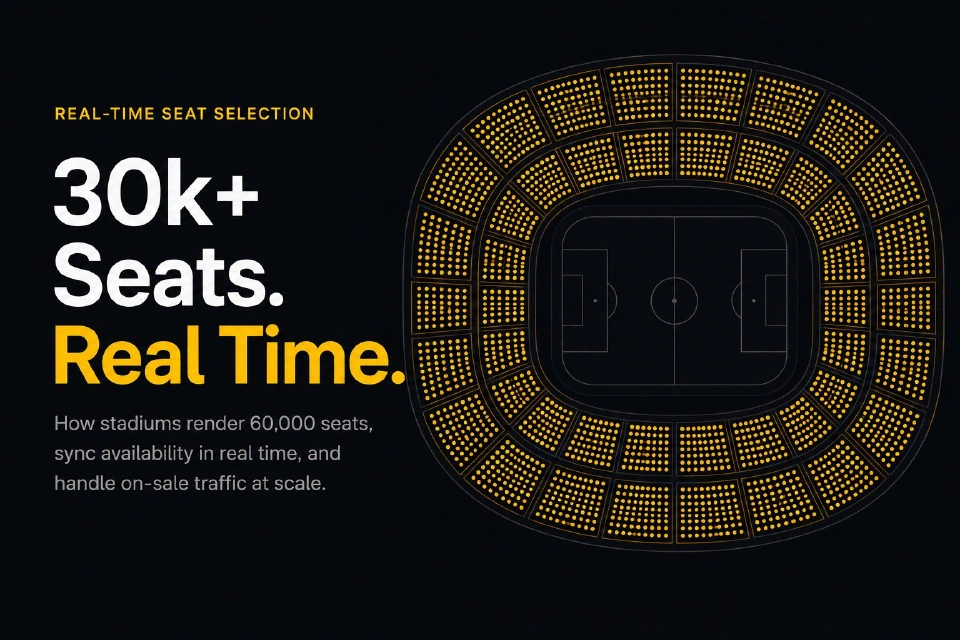
How stadiums handle 30k+ seat charts in real time: WebGL rendering, level-of-detail switching, lock-per-click flow, and on-sale traffic resilience.