Seats.io Alternatives: 4 Seating Chart Platforms Compared
Looking for Seats.io alternatives? Compare 4 seating chart platforms by rendering, pricing, deployment, and API. Find the best fit for your ticketing system.
Compare Seatmap Pro and Seats.io head-to-head: rendering tech, pricing, deployment, API, and SDK. Find the right seating chart platform for your ticketing system.
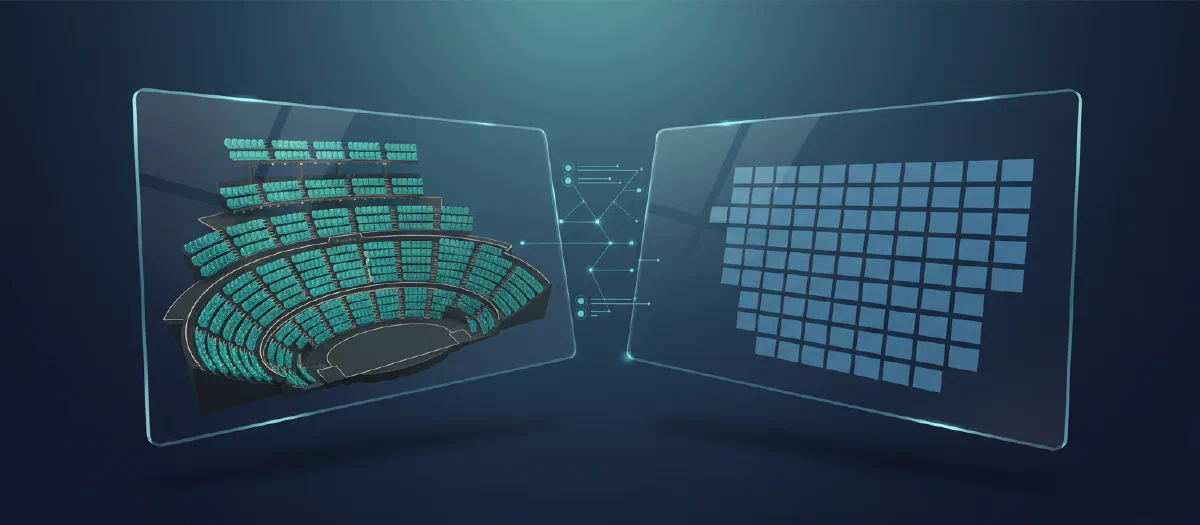
If you are building or upgrading a ticketing platform, choosing the right seating chart provider is one of the most consequential integration decisions you will make. Seatmap Pro and Seats.io are the two most widely adopted solutions for interactive venue seating charts. Both provide a visual editor, an embeddable renderer, and a REST API – but they differ significantly in architecture, pricing, and deployment flexibility.
This comparison is based on publicly available documentation and our direct experience integrating with ticketing systems across Europe, the Americas, and Asia.
| Seatmap Pro | Seats.io | |
|---|---|---|
| Founded | 2018 | 2014 |
| Rendering | WebGL (GPU-accelerated) | Canvas 2D |
| SDK | @seatmap.pro/renderer (TypeScript, npm) |
seatsio-js (JavaScript, npm) |
| API | REST API v2 (events, pricing, locks, sales) | REST API (events, charts, bookings) |
| Deployment | Cloud SaaS or on-premise (Docker/Helm) | Cloud only |
| Pricing | Flat monthly/annual, no per-seat fees | Per-seat pricing |
Seatmap Pro renders venue charts using WebGL, which offloads drawing to the GPU. This means smooth 60fps performance even with 10,000+ seats visible simultaneously. The renderer automatically switches between individual-seat and section-overview detail levels as the user zooms, keeping large venues responsive on both desktop and mobile.
Seats.io uses Canvas 2D rendering. This works well for small to medium venues but can struggle with very large seat counts where every seat needs to be drawn individually. Seats.io also offers an optional 3D view for selected venues.
For ticketing platforms handling stadiums, arenas, or multi-hall conference centers, WebGL rendering avoids the performance ceiling that Canvas 2D hits at scale.
Both platforms provide a visual drag-and-drop editor for creating seating layouts.
Seatmap Pro Editor includes:
Seats.io Designer includes:
Seatmap Pro’s Venue Shape tool and SVG import give it an edge for complex venues where sections need to follow curved architectural geometry. Seats.io is simpler to learn but offers less control over section-level transformations.
Both platforms follow a similar integration model: create a venue, publish a schema, create events, and embed the renderer on your selling page.
Seatmap Pro Booking API v2 provides endpoints for:
Seats.io API provides endpoints for:
Both APIs are REST-based and token-authenticated. Seatmap Pro uses X-API-Key headers; Seats.io uses workspace-scoped secret keys.
The key architectural difference is about data boundaries. Seatmap Pro is a visualization layer only – it never stores prices, sales data, or payment information. Your ticketing system remains the single source of truth. Seats.io can optionally manage seat status and bookings server-side, meaning commercial data flows through their infrastructure.
Seatmap Pro SDK (@seatmap.pro/renderer):
onSeatSelect, onSeatDeselect, hover, blurSeats.io SDK (seatsio-js):
onObjectSelected, onObjectDeselectedBoth SDKs are installed via npm and mounted on a container element. The integration pattern is nearly identical. The difference is in customization depth – Seatmap Pro offers granular control over which editor tools are visible, SSO autologin, and PostMessage-based two-way communication between your app and the embedded editor.
This is the largest differentiator.
Seatmap Pro supports:
Seats.io is cloud-only. All data is hosted on Seats.io infrastructure. There is no self-hosted option.
For organizations with data residency requirements, compliance constraints, or existing Kubernetes infrastructure, Seatmap Pro’s on-premise option eliminates the need for data processing agreements with a third-party SaaS provider.
This is a fundamental architectural difference that goes beyond deployment.
Seatmap Pro never sees your commercial data. Prices can be abstract labels (“Price 1”, “Price 2”). The platform does not track how many tickets you sell, at what price, or to whom. Checkout happens entirely on your side. Seatmap Pro sees seat locks – nothing else. This means your revenue data, pricing strategy, and customer information never leave your systems, even when using the cloud SaaS option.
Seats.io offers server-side booking management as a feature, which means seat status, booking counts, and event capacity data are stored on their infrastructure. For some businesses this is convenient; for others it is a concern – especially when a seating chart vendor has visibility into your sales volume and pricing.
If commercial data privacy is important to your business, this distinction matters.
Seatmap Pro is fully white-label ready:
Seats.io supports renderer styling and offers an embeddable chart designer. However, the level of control over tool visibility, SSO integration, and two-way iframe communication is more limited compared to Seatmap Pro’s approach.
For platforms that want to ship seating chart functionality as a native part of their product – not as a visibly third-party widget – Seatmap Pro provides deeper customization.
Seatmap Pro uses flat pricing with no per-seat or per-booking fees:
Seats.io uses per-seat pricing. Costs scale with the number of seats rendered across all your events. For high-capacity venues or high-volume ticketing platforms, per-seat pricing can become a significant cost factor.
The flat pricing model means Seatmap Pro costs are predictable regardless of how many events you run or how many seats your venues have.
The best way to evaluate is to see both platforms with your own venue data. Request a free Seatmap Pro demo to see the editor, renderer, and API in action with a layout matching your venue type.
Looking for Seats.io alternatives? Compare 4 seating chart platforms by rendering, pricing, deployment, and API. Find the best fit for your ticketing system.
Our Winter Recap video covers a set of updates that all push in the same direction: less friction in day-to-day venue work.
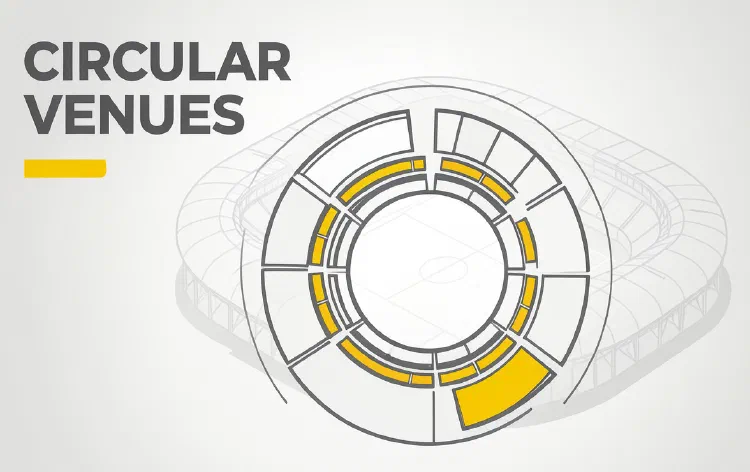
For many ticketing teams, circular venues are where seat map quality is tested the hardest.